
Live Ops
What your agents are doing, across machines.
Fleet Home shows running operations, subagent trees, timelines, and approvals waiting on you, for every gateway that reports them. Fleet is explicit about which gateways are reporting and which are not.
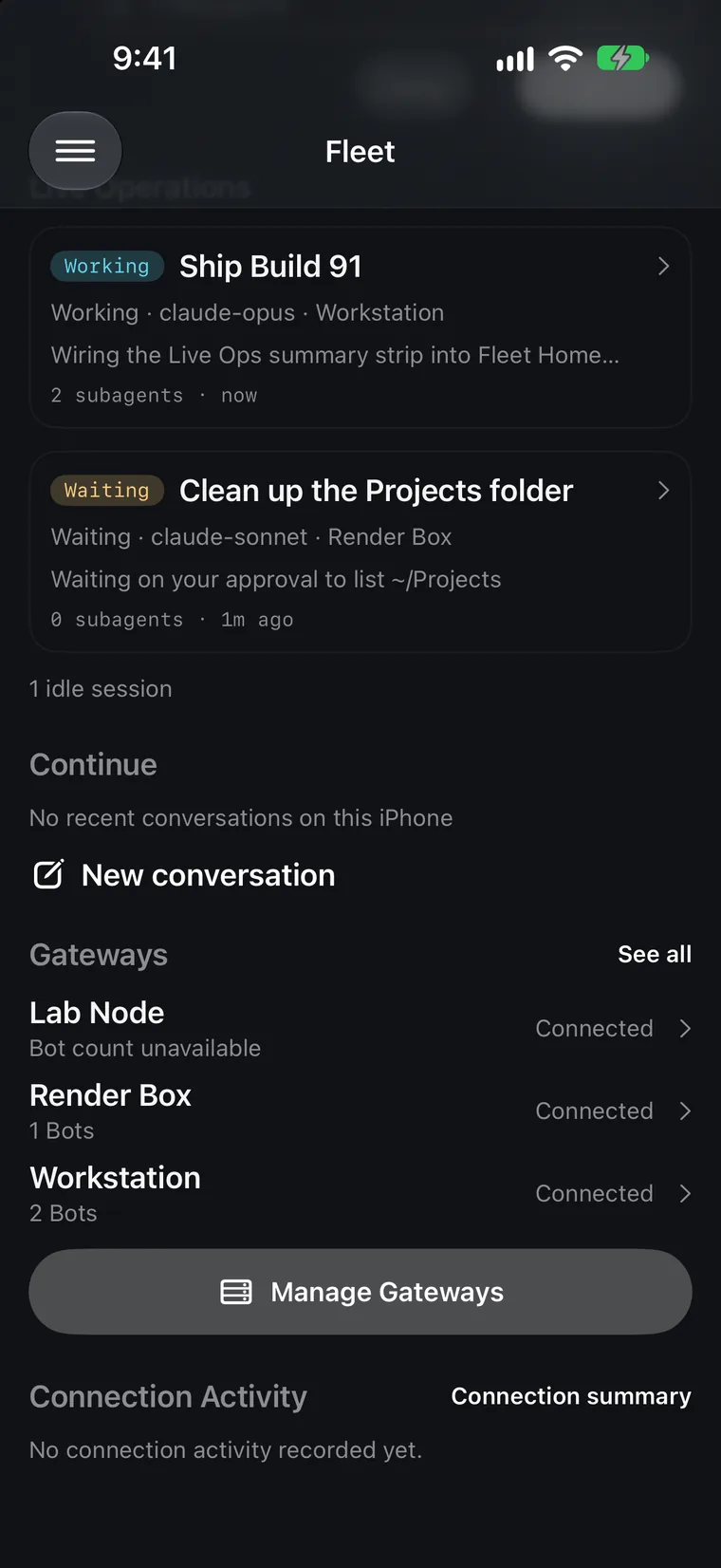
Simulator screenshots from a scripted demo fleet. No real gateways or data.
Why a plugin
Stock gateways only see their own process.
The stock session.active_list and delegation.status calls report one process’s memory. Hermes Desktop can launch a separate backend for each profile, so a connection to one backend cannot observe runs in another, even when the machine is connected.
The optional Fleet Live Reporting plugin publishes the live runtime registry from each enabled Desktop backend. Fleet reads the combined snapshot through the gateway’s existing authentication and TLS pinning. It does not infer running work from recent transcripts, open sessions, or database timestamps.
Setup
Enable it in a few minutes.
Start in the app
Open Set up Live Operations when reporting is missing, or Live Operations setup on Fleet or Gateway Detail. The guide gives you a download link, a way to share it to your computer, restart instructions, and Check reporting.
Install on the Hermes computer
Download Fleet-Live-Reporting-0.2.0.zip from the versioned companion release and extract it. On a Mac, open Setup.command. On Linux or a custom runtime, follow README.txt in the bundle. Setup asks which profiles to observe and confirms your choice.
Restart, then check from your phone
Once running work has finished, restart Desktop and any separate Fleet gateway service, then open each selected profile to start its backend. Run Check reporting from the phone. A connected status confirms at least one backend is publishing. It does not certify that every profile has been restarted.
Setup never stops processes, changes authentication, installs dependencies, or sends provider requests. It saves private recovery copies before changing settings, and repeating it is safe. A profile created later needs setup again.
Full guide, including manual setup How approvals are protected